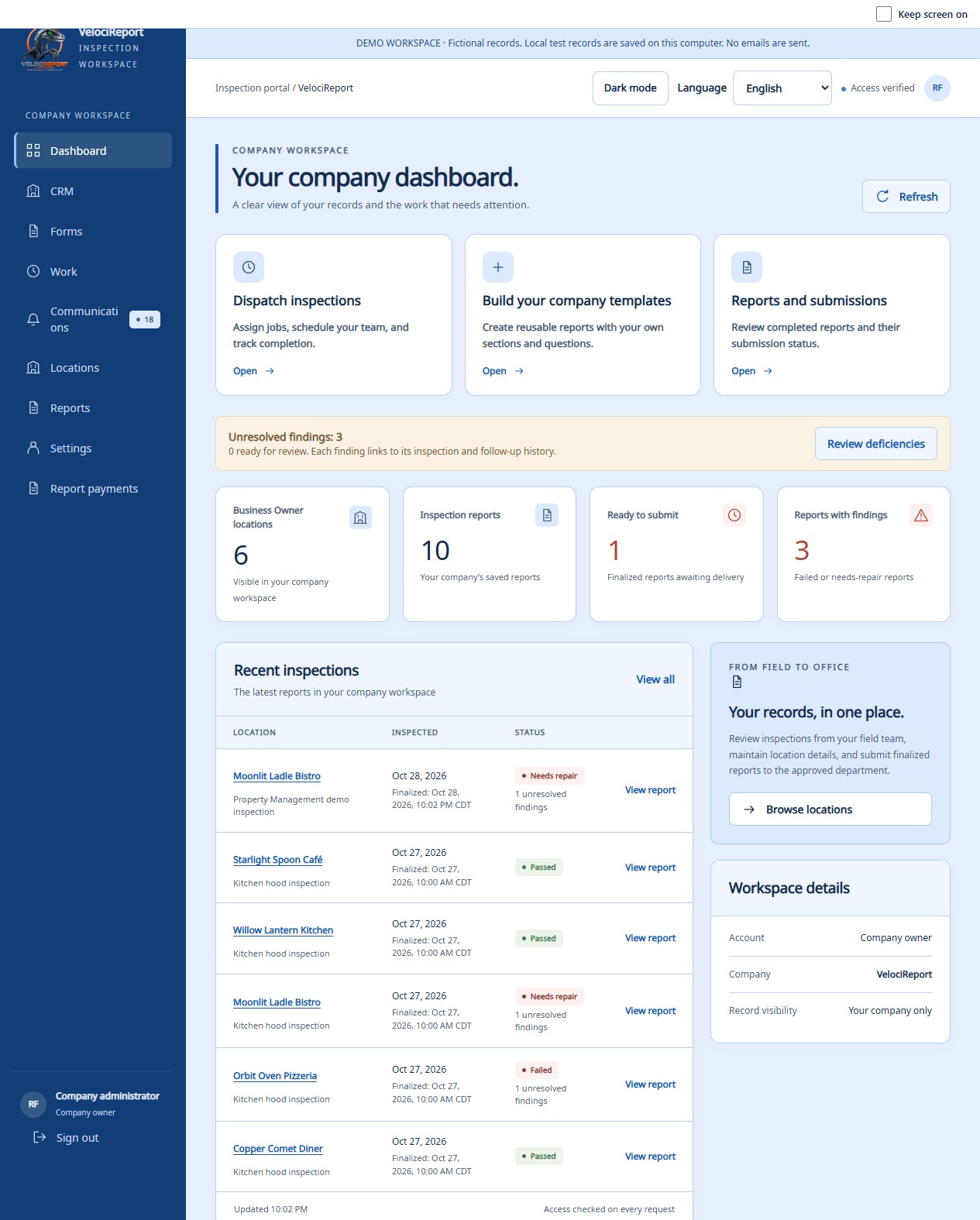
Make the workspace yours.
Check your company details, service coverage, licenses, insurance, and reporting locations. Each person signs in to their own account.
FOR INSPECTION COMPANIES
Software for fire protection inspection companies across the United States. Connect dispatch and technicians with custom checklists, field reports, inspection history and corrective-work tracking.
Browser tools for the office · Android app for the field
 CUSTOM REPORTS & CHECKLISTSBuild the report your team needs ↗
BEFORE YOUR FIRST REPORT
Request a company account, then complete these steps after approval. Open Help & tips in your workspace for setup links and guidance you can stop or restart.
Check your company details, service coverage, licenses, insurance, and reporting locations. Each person signs in to their own account.
Open Settings → Employees. Owners can invite Managers, Dispatch staff, or Inspectors; managers can invite Dispatch staff or Inspectors. Assign locations as needed. Invitations require administrator approval.
The company owner saves a card securely with Stripe and accepts the report payment terms in Report payments. Both are required before submitting reports. Drafts remain saved while setup is completed.
FROM THE OFFICE TO THE SITE
Give each person the information they need to move the job forward, with access based on their role and assigned locations.
Choose a location, inspection type, technician, and appointment. Add priority and job instructions. Office staff can reassign work as plans change.
Dispatch & schedulingTechnicians find assignments in My work, accept or start a job, and document inspection answers, photos, signatures, and equipment details in the Android app.
Assigned work & field reportingAttach the finalized report to complete the assignment. Keep inspection history, deficiencies, corrective work, and AHJ review status within reach.
Reports & corrective workFIELD APP · INSPECTION RECORDS
Open a customer’s inspection in the field app, choose the inspection type, and work through the report on site. Save drafts as you go and keep the record tied to the customer.
The field app and the company web portal have different interfaces. These images show the field app for doing inspections, shown with fictional records.
View the field app inspection screen ↗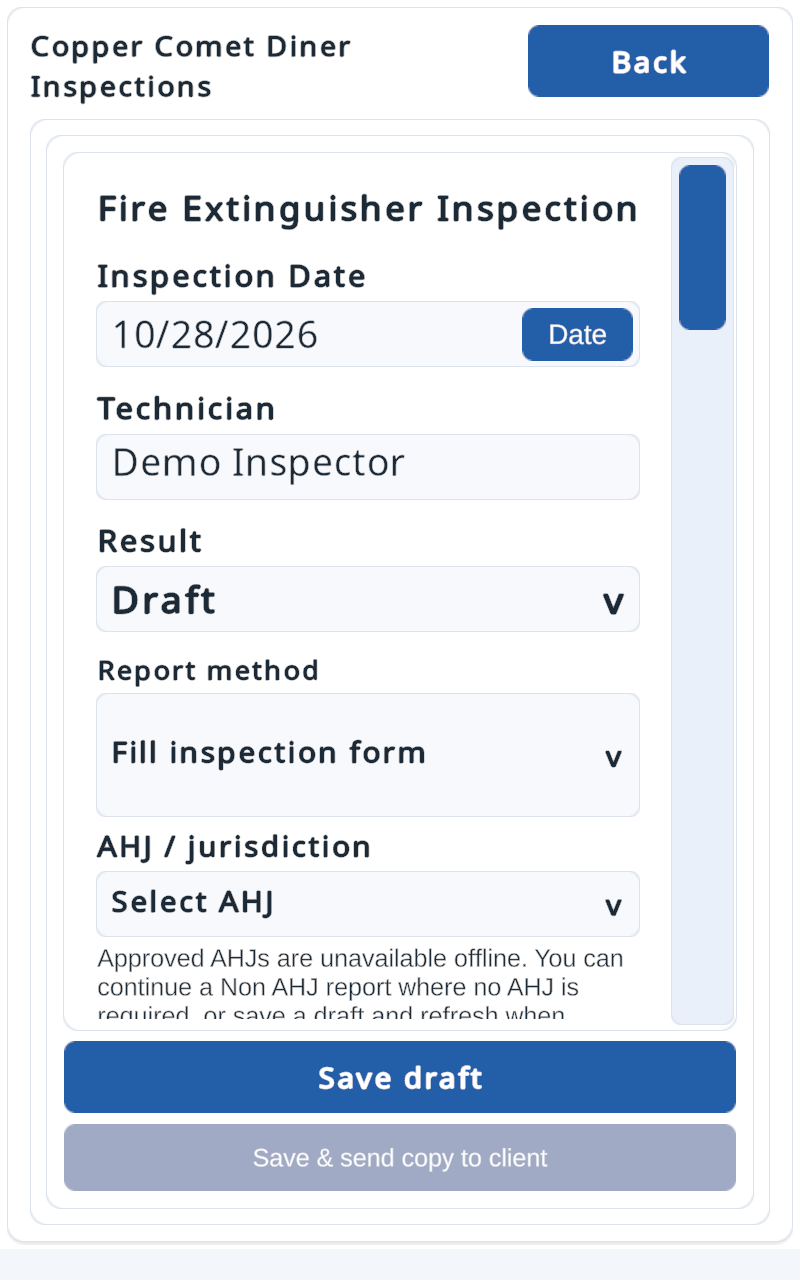
INSPECTION HISTORY & CORRECTIVE WORK
Bring completed reports, location history, and inspection findings together so your office can prepare for the next visit.
Track deficiencies and document corrective work. Give your team a record of what was found, what was done, and what still needs attention.
Explore the current company workspace ↗THE DETAILS THAT SUPPORT THE WORK
Build a record your team can return to, with the context needed for the next visit.
BEFORE YOUR FIRST JOB
Use the browser portal for company records, dispatch, schedules, and report review. Technicians use the Android field app for inspections and system design. Tools depend on account permissions.
Saved field inspections can sync when the inspector reconnects. A report is available to the AHJ only after completion, successful sync, and authorized submission. Confirm the submission status before treating it as delivered.
The portal supports uploading completed reports and submitting finalized records to approved AHJs. This route still depends on someone uploading and submitting the PDF.
Report payments shows one total fee and the receiving AHJ. Accepting the payment terms authorizes charges and daily attempts on unpaid report fees, no more than once per unpaid report in 24 hours. A declined payment marks the affected report as rejected until payment succeeds. Some declines need a replacement card or cardholder verification.
Stripe stores the card. Only authorized company owners manage it; other companies cannot see or use it. Request a refund through support.
Open the company portal and choose “Request an account.” Account requests require approval. Follow the company setup steps, or contact the VelociReport team for help.
BUILT AROUND YOUR INSPECTION BUSINESS
Tell us how your company works, or request a company account in the portal.