Reports across your state.
Review completed, synced contractor reports at verified locations. See completed department inspections from geographically verified city jurisdictions and delegated counties.
Access follows the verified mandateFOR STATE AHJs
Bring inspection reports, custom fire safety checklists, and county teams into one state workspace. See the work, review the findings, and keep follow-up moving under your verified mandate.
Statewide visibility · Delegated counties · Independent city AHJs
 CUSTOM REPORTS & DEPARTMENT CHECKLISTSExplore the drag-and-drop report builder ↗
A FULL AHJ WORKSPACE
State and delegated county accounts use the same core AHJ inspection, checklist, review, and follow-up tools.
Review completed, synced contractor reports at verified locations. See completed department inspections from geographically verified city jurisdictions and delegated counties.
Access follows the verified mandateBuild custom reports around your fire inspection requirements. Drag questions into place, conduct department inspections, and preserve the checklist used for each certified record.
Try the report builder ↗Review reports within your administrative access.
One authority’s decision does not replace another’sCUSTOM REPORTS · FIRE DEPARTMENT CHECKLISTS
Build reports around the questions your team actually asks. Drag widgets into place, arrange checklist sections, and preview the result before publishing.
Build a sample report yourself ↗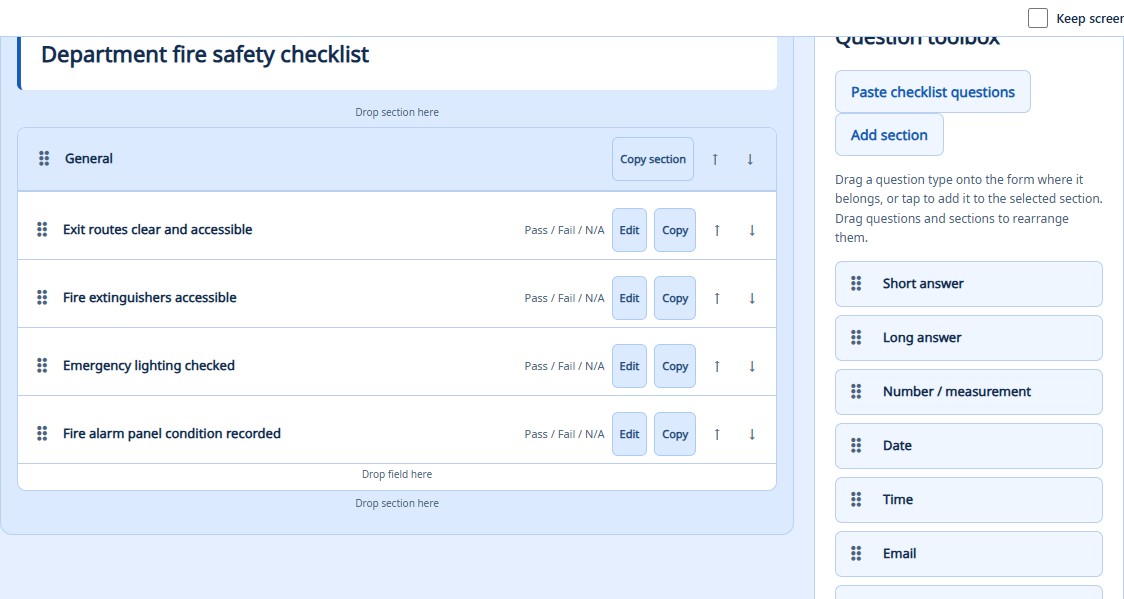
Start with your checklist. Bring existing questions into a reusable form.
Capture the details. Add choices, measurements, dates, photos, and signatures.
Keep the record. Completed department inspections retain the checklist used.
LIVE INSPECTION REPORTING
Receive completed, synced contractor reports at verified locations. Review results, accept or reject reports, and follow deficiencies from your state’s AHJ workspace.
Take a closer look at state report review ↗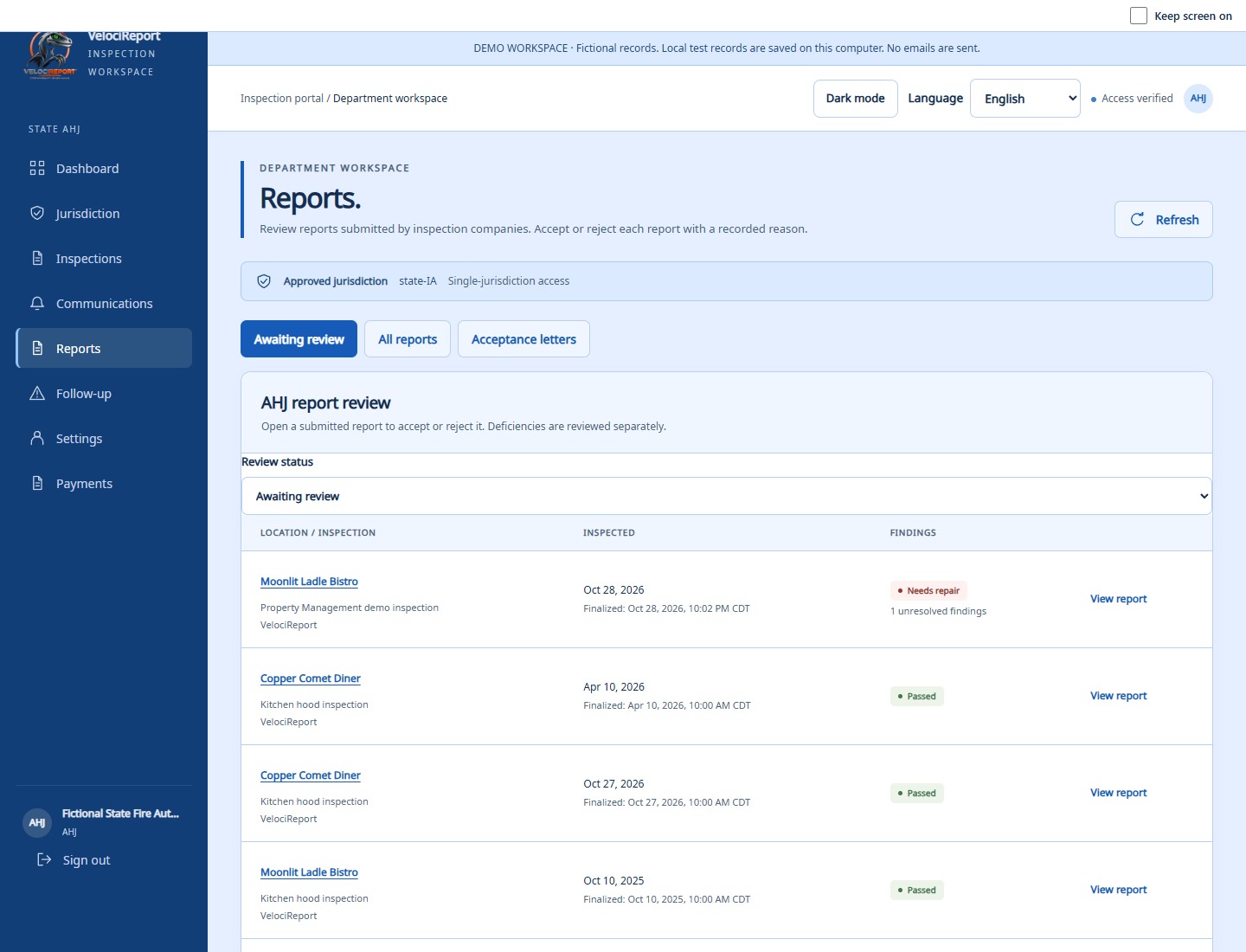
The inspector finishes the report and syncs the record when connected.
Verified locations connect completed reports to the authorized state and county.
Each authority records its own decision and follows the findings.
State access requires an enabled, verified mandate and verified geography. Drafts and unsynced work are not included. Existing completed report history can be included when locations are classified.
STATEWIDE REACH. CLEAR RESPONSIBILITY.
Keep each team’s work and decisions clear as inspections move through state, county, and city review.
STATE, COUNTY & CITY
Yes. The state requests delegated county accounts and manages their access. County officials receive access to records within their assigned county after account approval.
No. City AHJs are independent accounts. Verified mandated oversight can make their completed inspections visible to the applicable state and county without giving those authorities control of city users or the city’s original record.
Yes. Each authority records its own decision. A state approval, county approval, and city approval remain separate; one does not overwrite another.
BRING THE STATE INTO VIEW
Start with your mandate, your counties, and your inspection requirements.
